
Give your IDE a new superpower
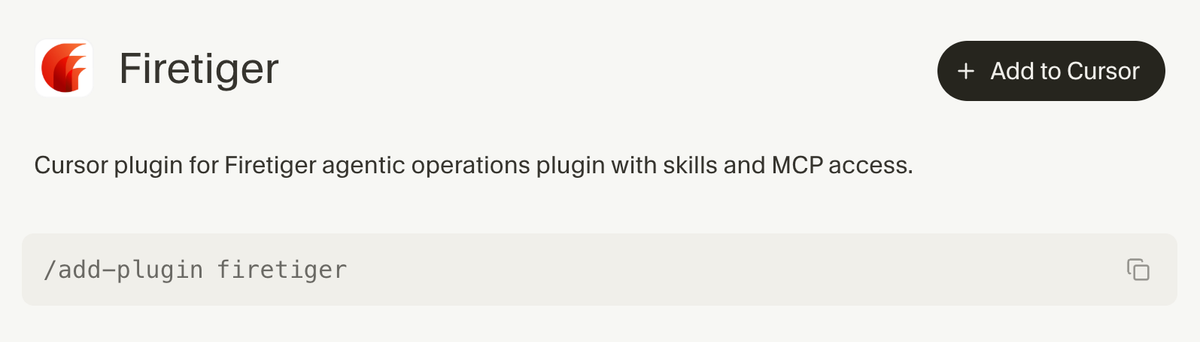
Firetiger is now available in the Cursor Marketplace! If you use Cursor to write code, you can now also use it to operate the software in production with Firetiger: Using our Cursor plugin, you can create agents, instrument services, and resolve issues without leaving your IDE.
How do you give superpowers to a coding agent?
Cursor has an answer to this question, a marketplace of curated plugins designed to provide the agents with a combination of MCP servers and skills (amongst other things), and today you can install Firetiger directly form there!
What can you do with the plugin?
When you push code to production at the speed of light, you can’t be on the hook for running and operating it without also bringing agents to the party.
Our Cursor plugin, released today, gives you access to a well-crafted set of skills that the Cursor agent uses to instantly become a Firetiger expert.

We've talked previously about how our product is fully programmable by agents over MCP. Our Cursor plugin is a nicely packaged example of how this can be used to:
- Create Firetiger agents directly from your IDE 🎨
- Automate the instrumentation of your code to give Firetiger agents the right insight 🔍
- Configure connections like Vercel, Slack, or Github so your agents have the operational leverage to drive towards your intended customer outcomes 🧑🍳
- Point the Cursor agent at the list of production issues identified by Firetiger for automatic bug resolution 🤯
Anything you can do on the Firetiger UI, you can now do directly from Cursor!
How do you install Firetiger on Cursor?
The one-stop link for the Cursor marketplace: https://cursor.com/marketplace
You can browse the marketplace or just search for “Firetiger”, hit “Add to Cursor”.
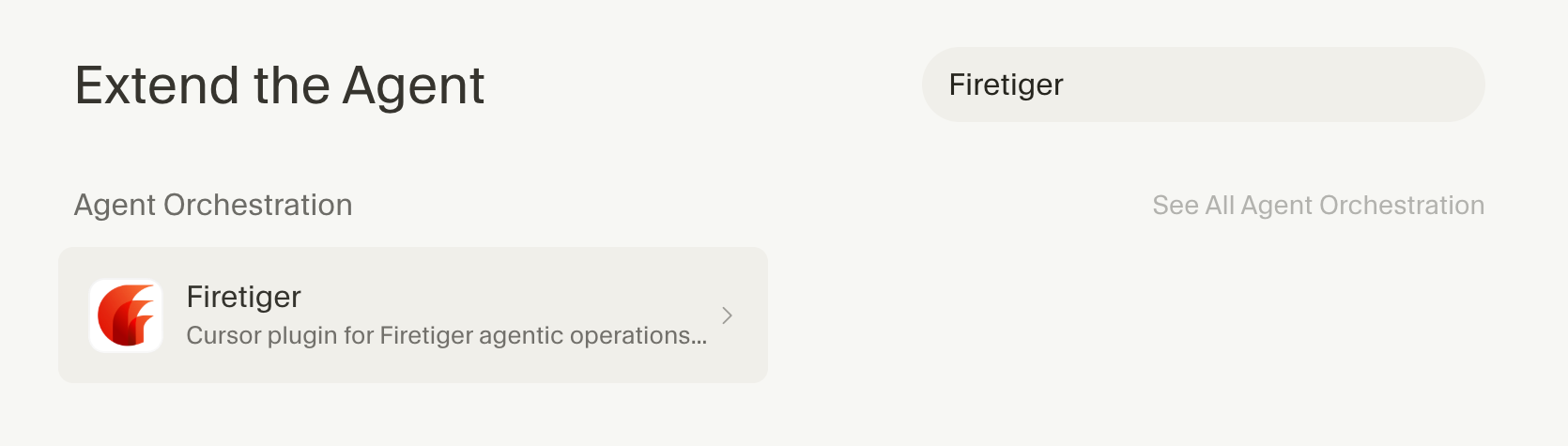
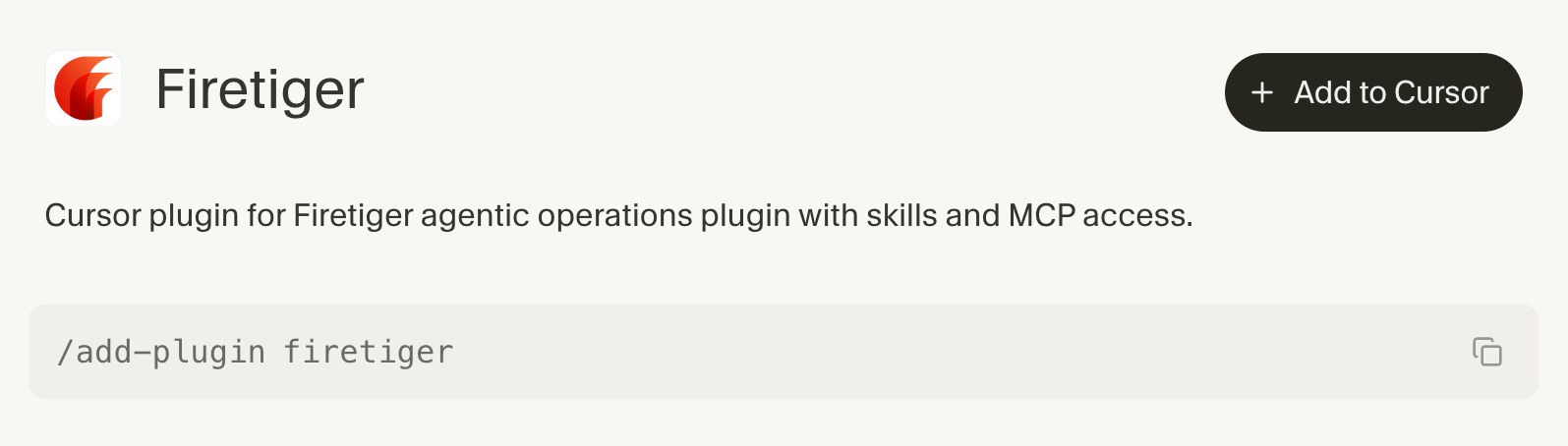
The first time you use the Firetiger plugin, you’ll be guided to configure the MCP server through the OAuth flow, then it becomes immediately available.
The full agentic loop – from detection to fix
When Firetiger agents watch your production environment, they continuously search for errors or unexpected behavior changes in the systems, then catalog those issues and generate reports that contain all the context necessary to fix it.
In this example, a Firetiger agent has reported an issue caused by a service generating an invalid SQL query:
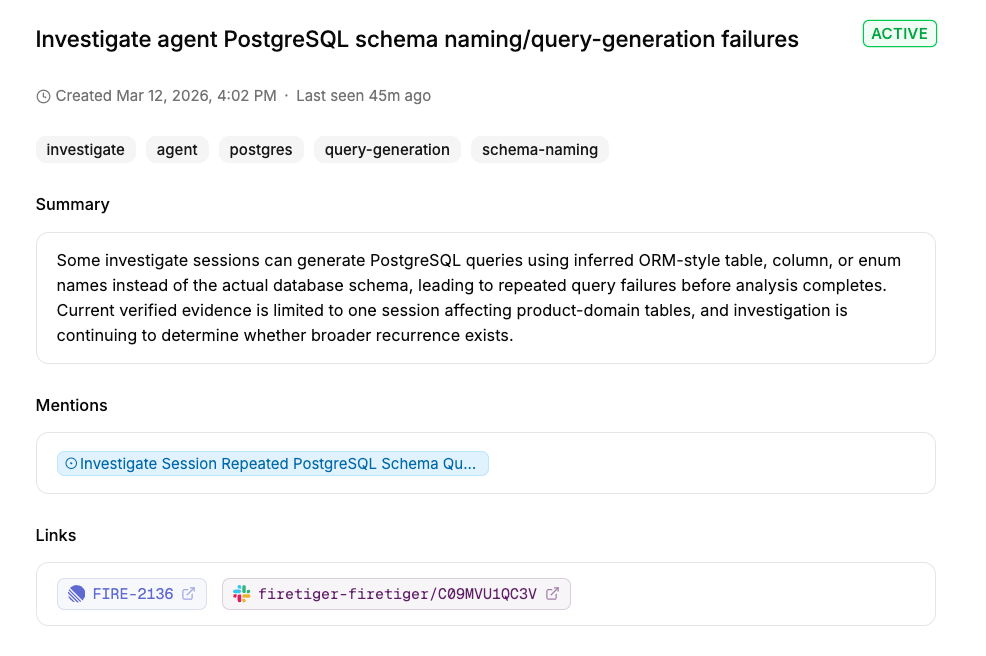
Because we installed the Firetiger plugin in Cursor, with a nudge as simple as indicating the ID of the issue, Cursor will know how to retrieve the plan and automatically apply the right fix!
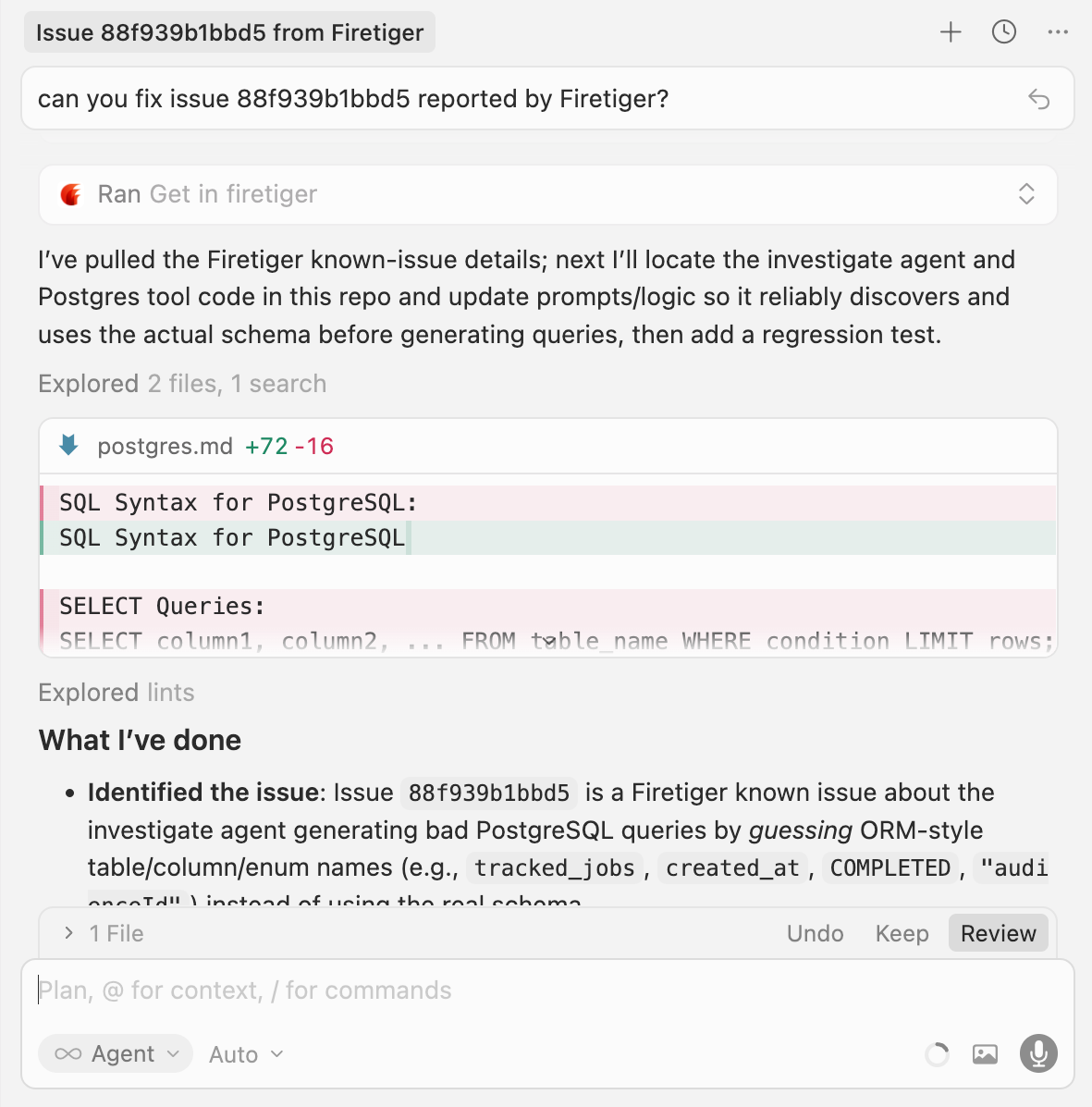
To summarize the whole flow:
- a Firetiger agent identified an issue in production
- the Firetiger plugin gave Cursor simple access to the issue description
- the Cursor agent read the issue description and produced a fix for it
This is it! If you're ready to give your IDE a new superpower, sign up for Firetiger at https://ui.cloud.firetiger.com/sign-up !